Abort Export
Introduction
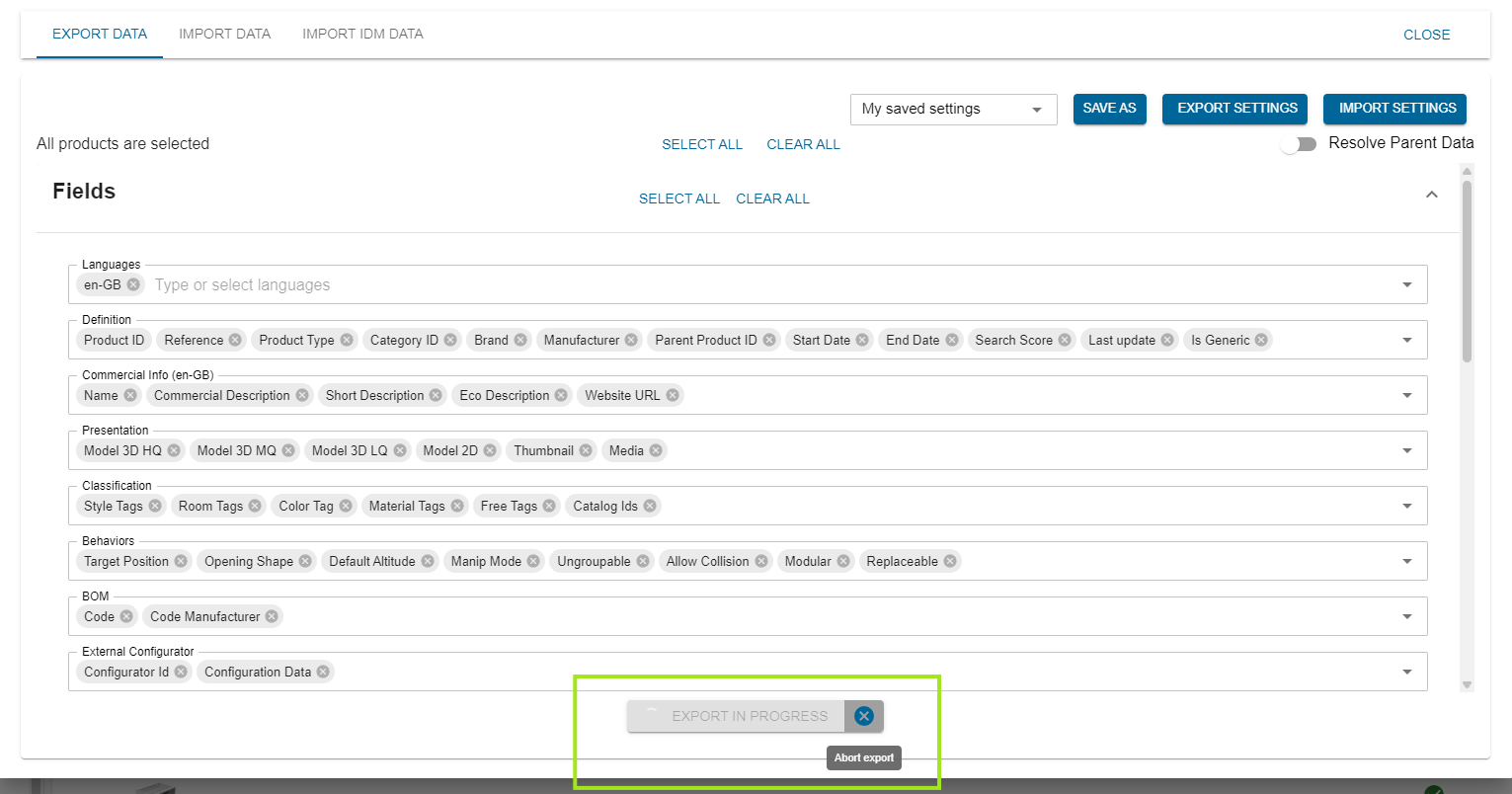
When an export is in progress, all export dialogs display an Export in Progress button with a Cancel icon. If you need to make changes to the export settings or no longer want to continue with the current export, click the Cancel icon to stop the ongoing process. Once the export is canceled, the dialog remains open, allowing you to review and modify the export settings as needed. You can then start a new export immediately with the updated configuration, making it quick and easy to adjust your export without closing and reopening the dialog.