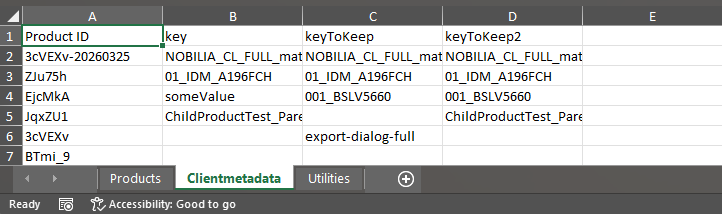
Product Client Metadata
Introduction
Product client metadata is a json inside the product that has the purpose to pass into the product to the BOM at the end of the planner experience data proper to the client.
Process
- Go to Product dashboard
- Select the products you want to export (you can use the search to filter the product list and select the product you want)
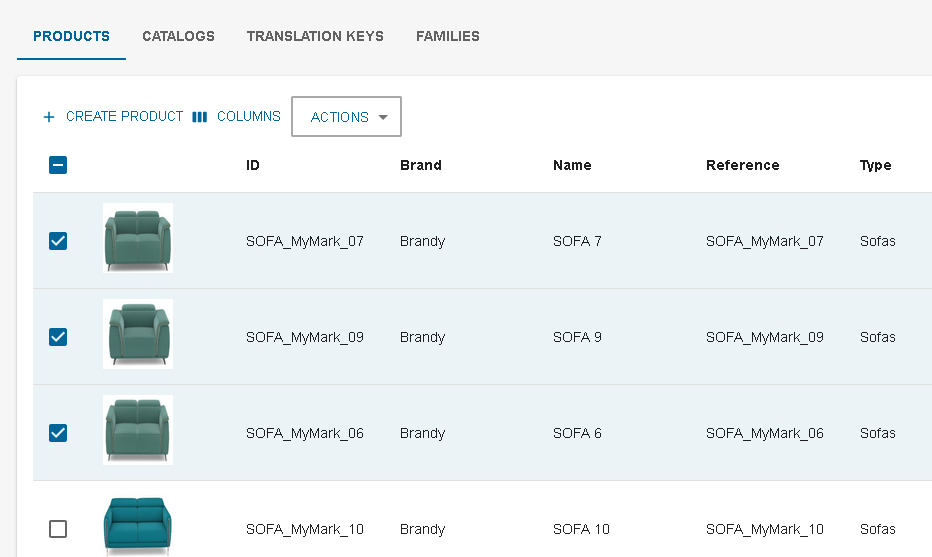
- Click on ACTIONS/EXPORT
- A dialog appears, its purpose is to let you choose the prices field you would like to
extract.
You can click on SELECT ALL to select all product field, and CLEAR ALL to clear the selection.
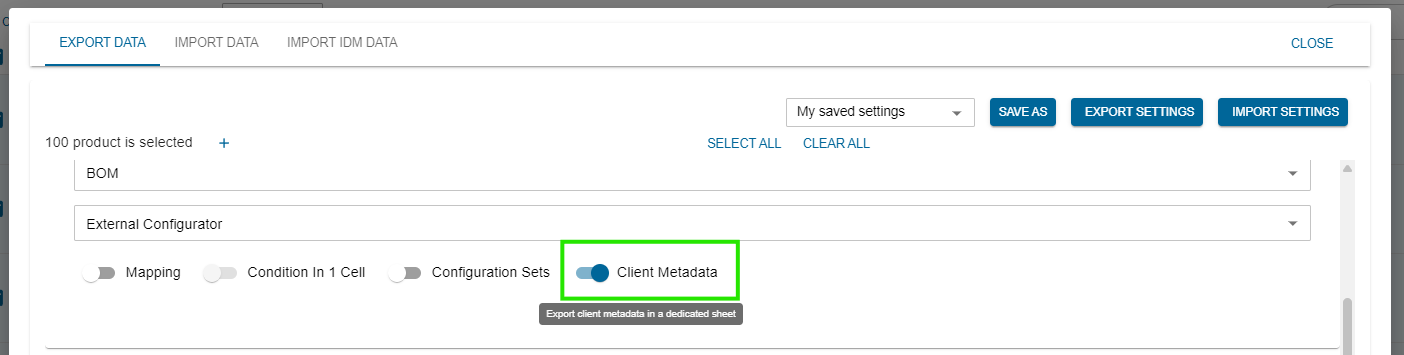
- When the selection of product metadata check is done, you can click on EXPORT DATA.
- The excel is downloaded, you can share it or make modification on the data to prepare for an import