Range Custom
Range Custom
A range custom is the customization of a range in order to be then distributed inside an application distribution.
Dashboard
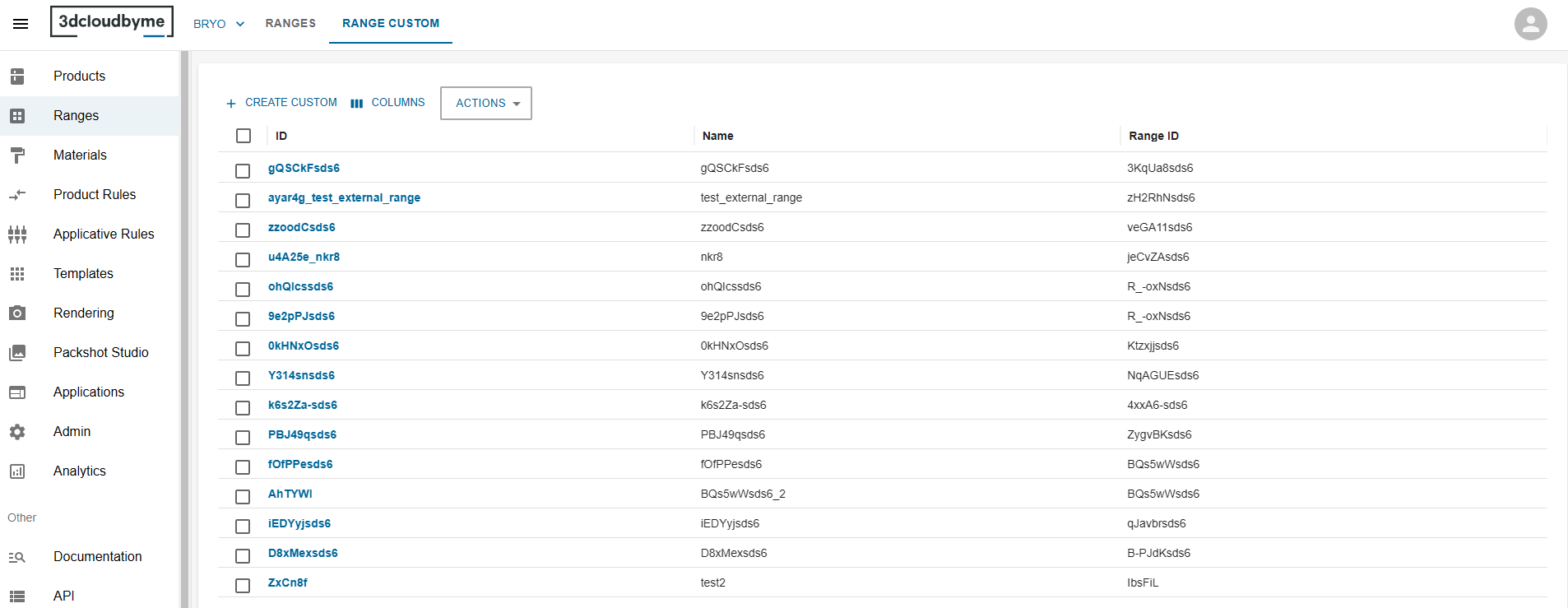
In this dashboard, we list the range custom that have been created inside the user legal entity.
In order to create a new range Custom, click on the create button at the top left of the datagrid.
To edit click on a row.
Create or Edit
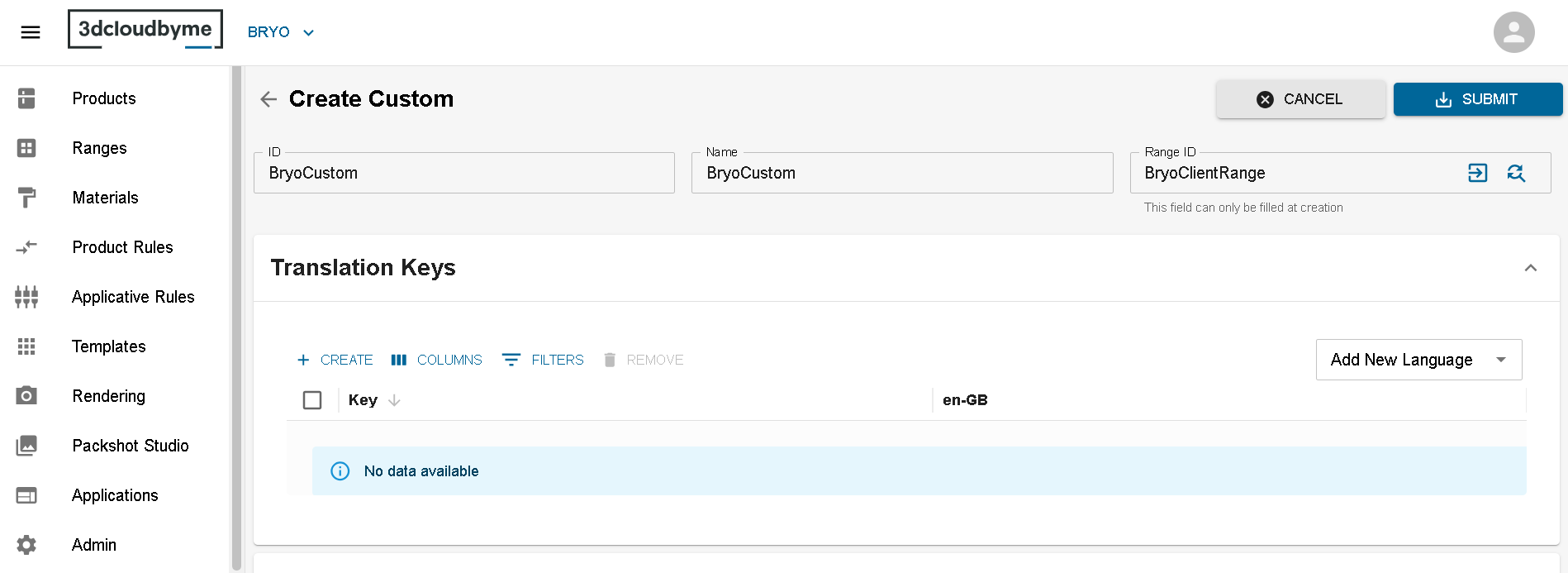
First the user need to give an id, a name and a range to user's range custom and submit.
To choose the range the range custom will depend from, the user can either type directly the range ID or use the select range widget by clicking on the magnify glass:
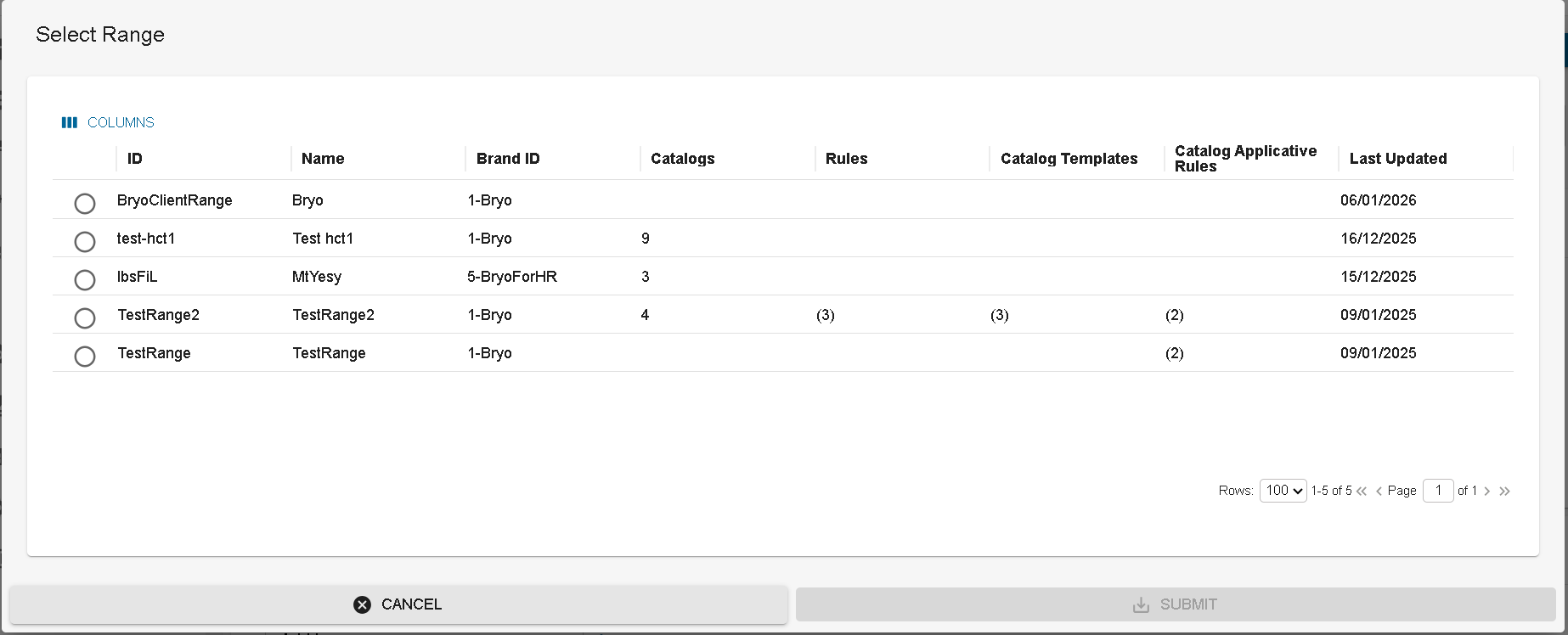
The user can now customize the range and link it to an application distribution.
Delete Range Custom
You can delete one or multiple range customs from the dashboard. For that you have to select the range custom(s) that needs to be deleted and click on DELETE option from Actions button.
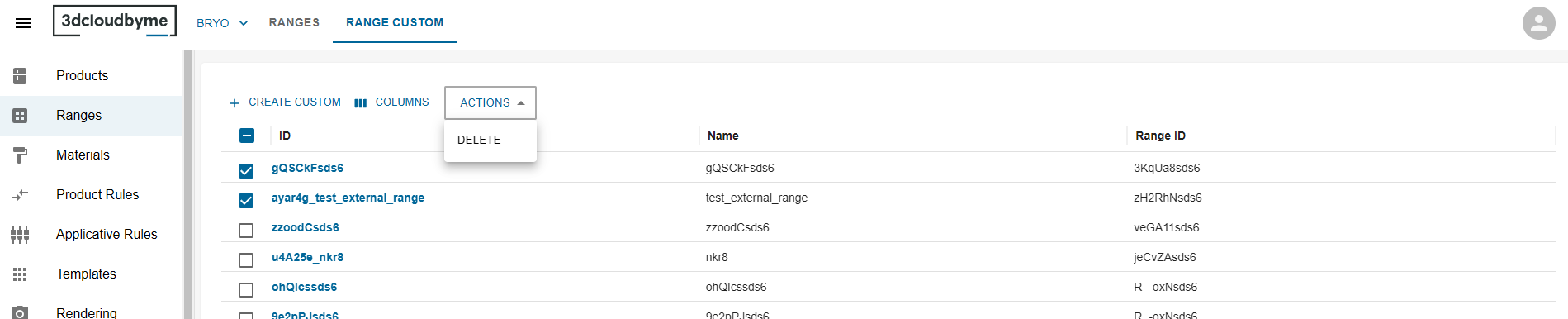
Once you click on DELETE button, a delete confirmation popup will be opened. The popup contains information about the items to be deleted.
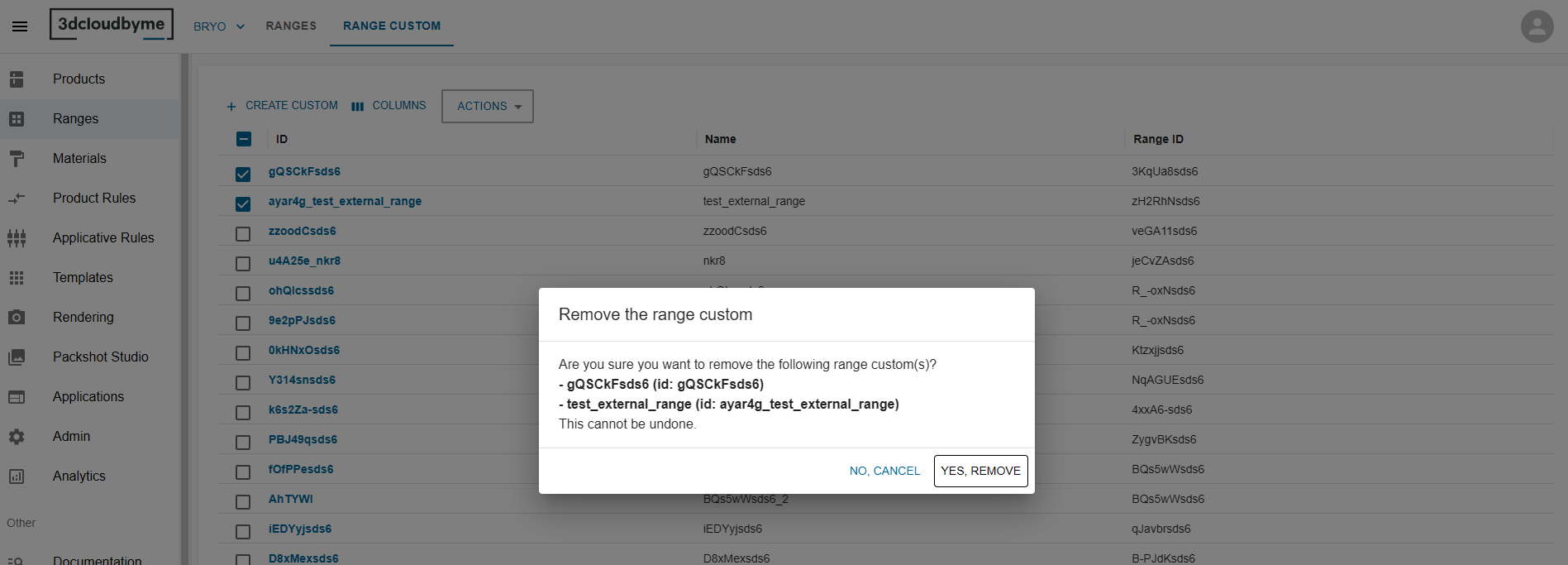
You can confirm the deletion by clicking on YES, REMOVE button.
Customization
Product Filtering
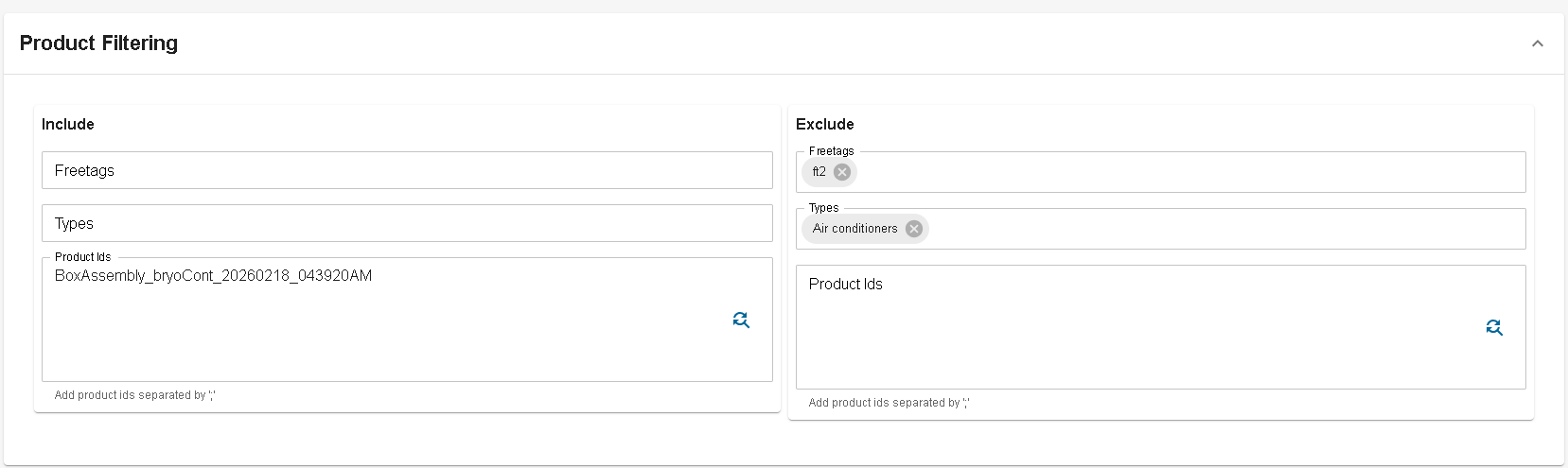
It is possible to take only some products from the range or to exclude some of them. It can be done by freetag, product type or product id. Also on the left you mention the products from range to include in the range custom. On the right the products to exclude.
Translation keys
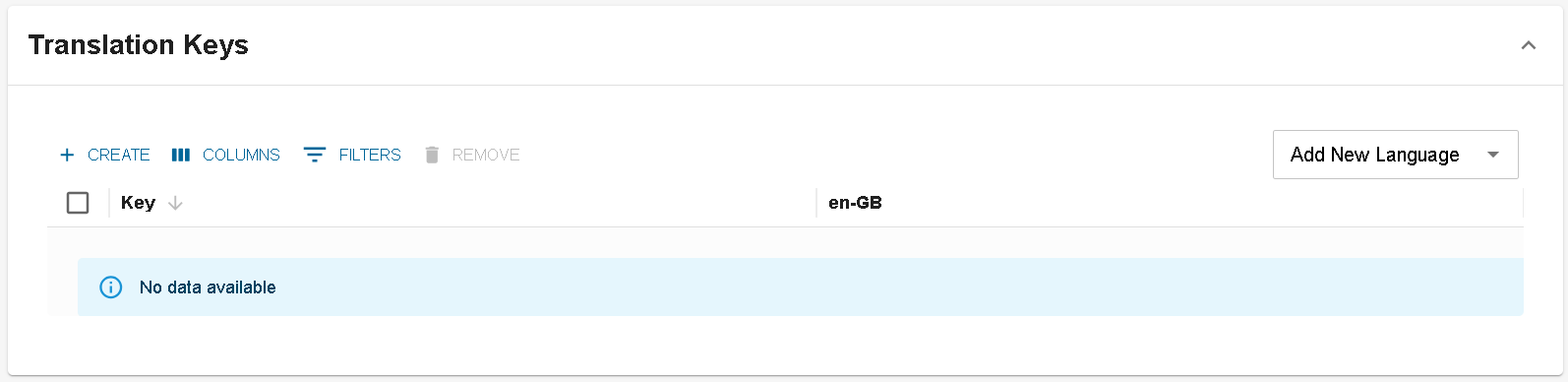
In this panel the user can add translation keys to the range custom. The purpose here is to redefine translations for range translation key.
Translations Product commercial data

In this panel, you will fill the translations that should be different from the ones in the range concerning product commercial data.
Add product that are concerned by clicking on the add Product button.
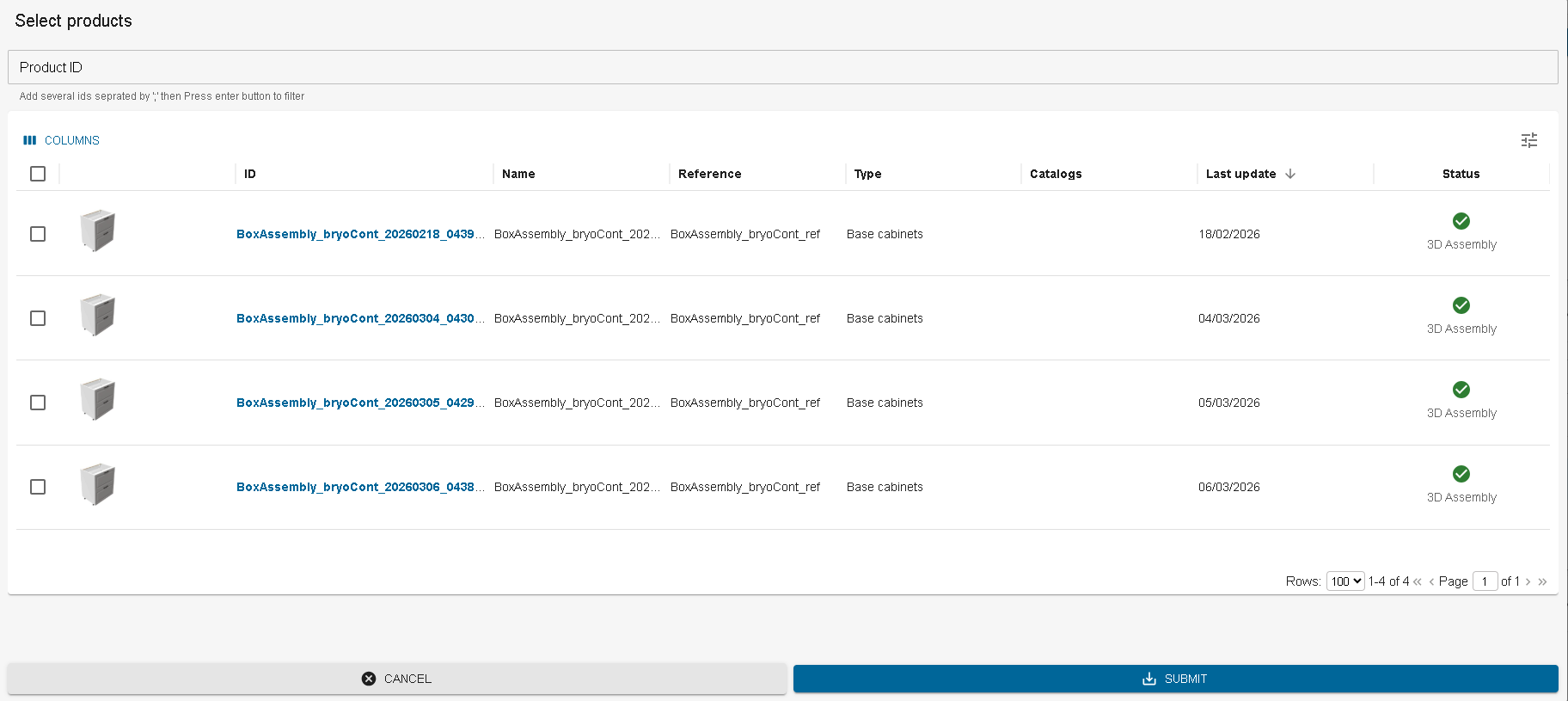
You can fill the input at the top with product ids if you already have them prepared for copy paste. You can also use the datagrid to select the products you want to add.
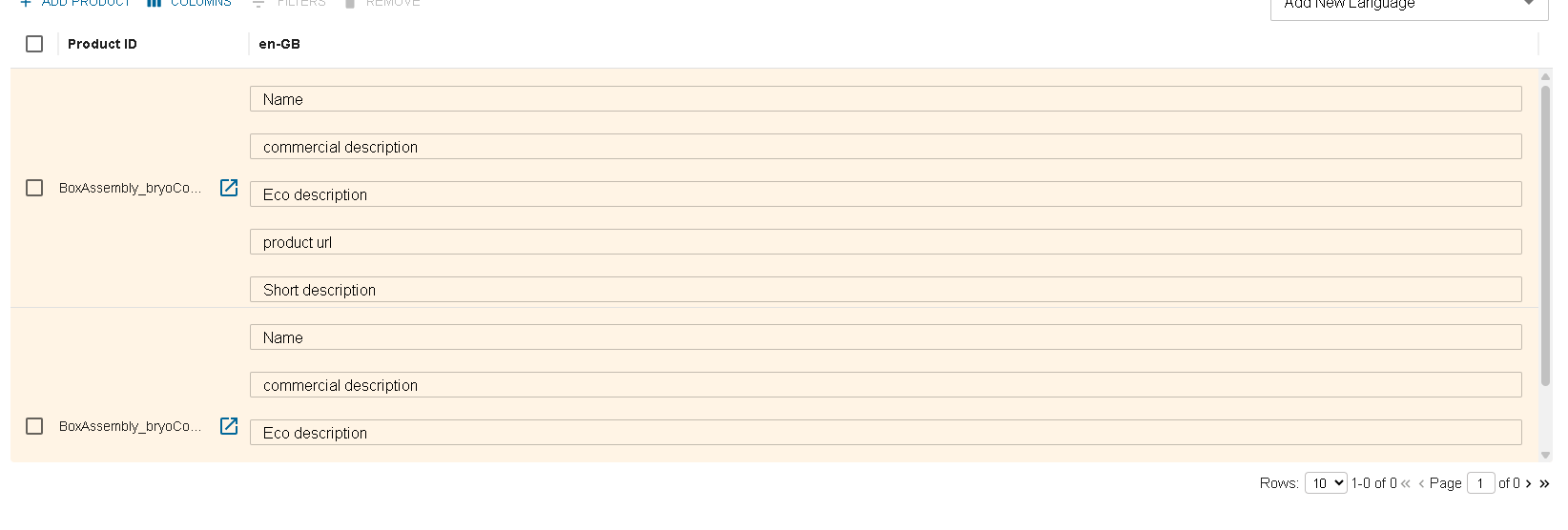
While not submitted, The rows are in orange to highlight not submitted data. Click on submit to save the data.