Product Configurator
What is the Product Configurator?
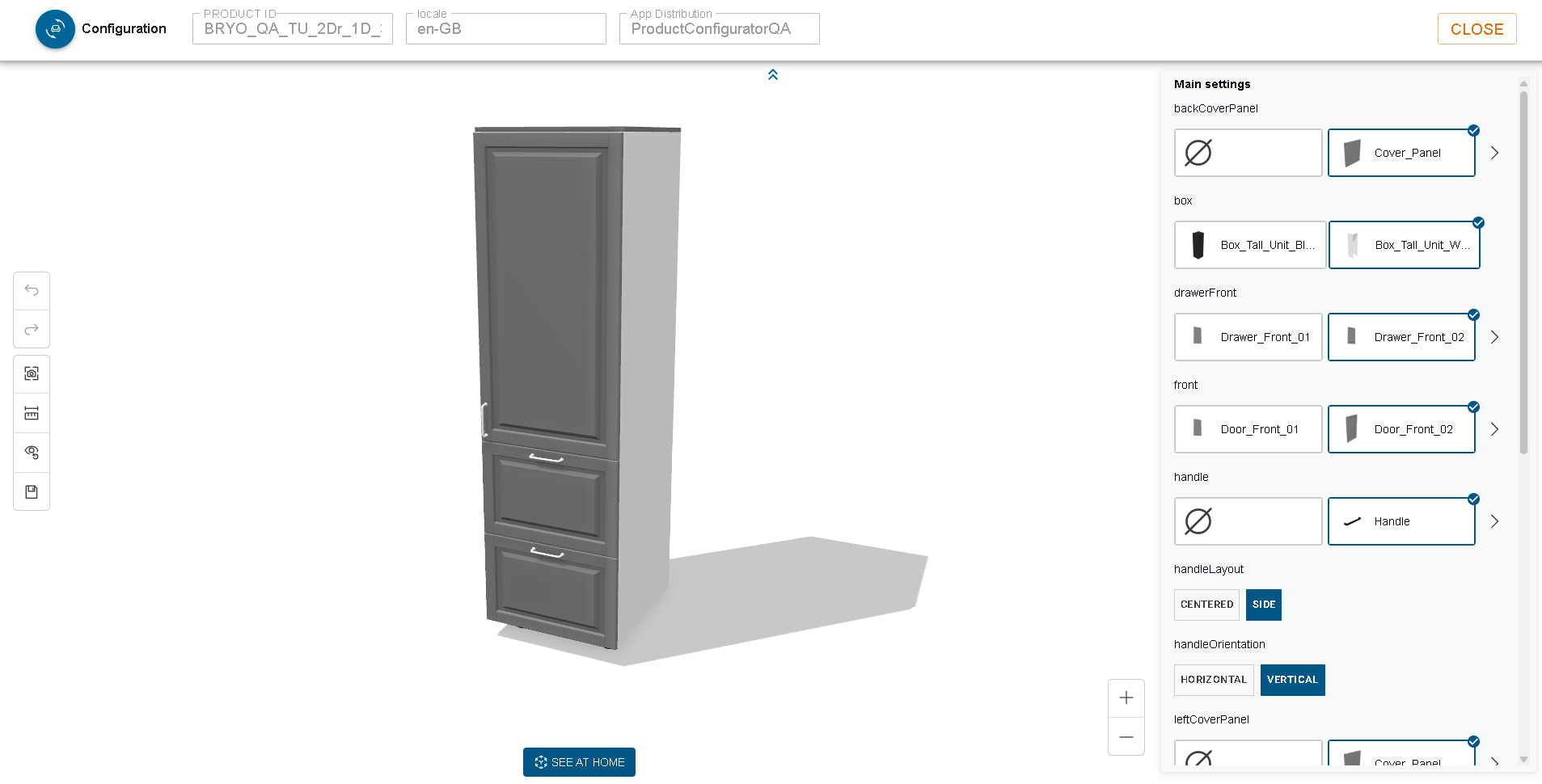
The Product Configurator lets you visualise and explore a product (see it in 3-D, rotate it, zoom in/out, etc.) before it is added to a quote or an order.
How to open the Product Configurator
From the left navigation panel
- Open the left panel (click the hamburger icon if it is collapsed).
- Click the Applications tab - a new section appears.
- Click the Product Configurator button.
If the button is greyed out, no “Product Configurator” application is linked.
From a product list
- In the Products dashboard, locate the product you want to view.
- Click the Open Configurator icon in the new “Configurator” column.

What you will see
When the configurator opens, a fold-out panel slides out.
The panel is read-only - it only displays information and contains a single Close button.
Read-only fields shown in the panel
| Field | What is shown |
|---|---|
| Product ID | The internal identifier of the product that is being displayed. |
| Locale | The language/region used for the UI (matches the current 3DCloud locale). |
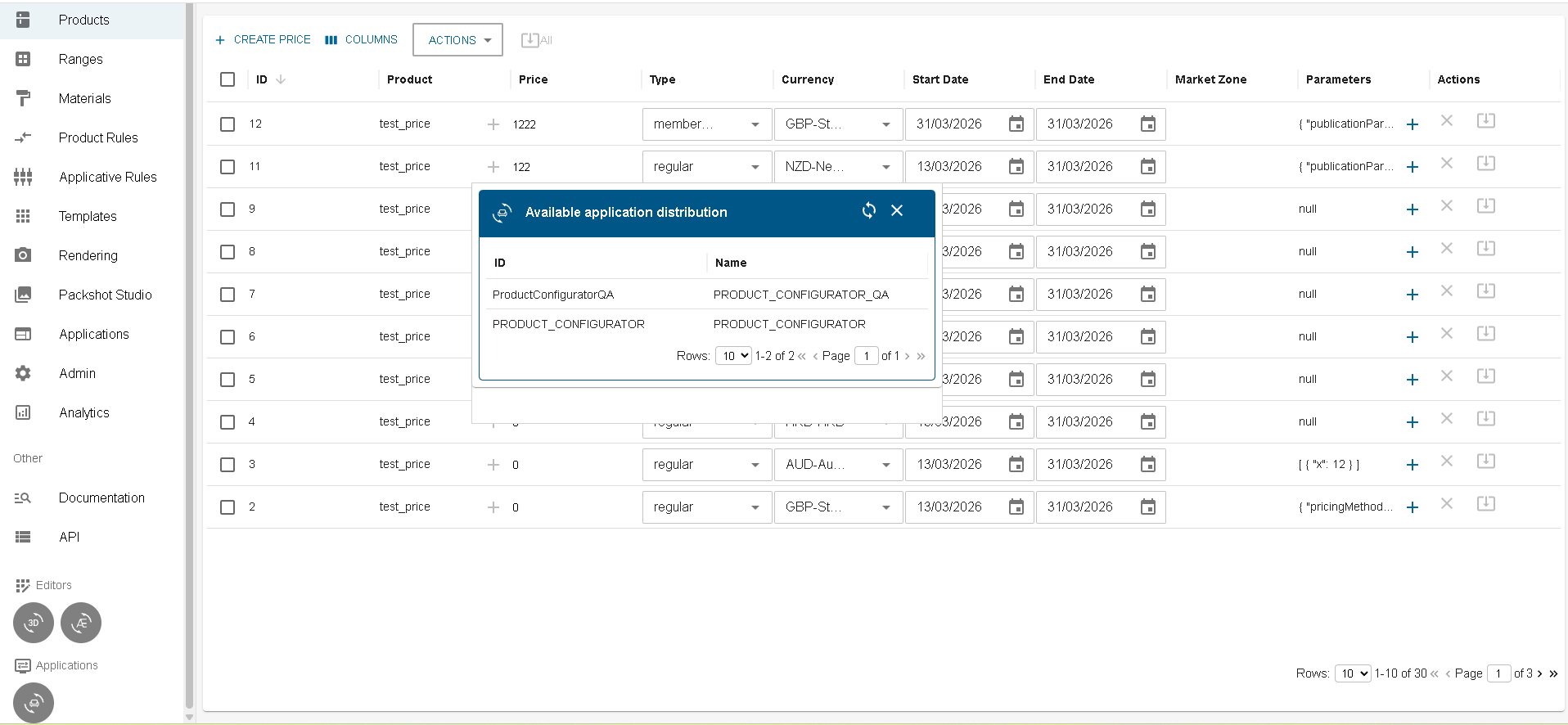
| AppDistrib ID | The distribution that provides the configurator. |
